
Top charts: movers, side by side and creatives
See who is climbing in any country’s chart and how the top apps present themselves.
The Top charts page has four tabs. All of them start with the same choice: store, country, chart and category.
- Movers: one chart with how each app moved since the previous snapshot: new entries, biggest climbs, drops, and apps that left.
- Side by side: top free, top paid and top grossing in three columns for the same day.
- Your apps: rank lines for your own app and its competitors in one chart.
- Creatives: the screenshots of every app in a chart, in rank order. Useful for seeing how the leaders sell themselves.
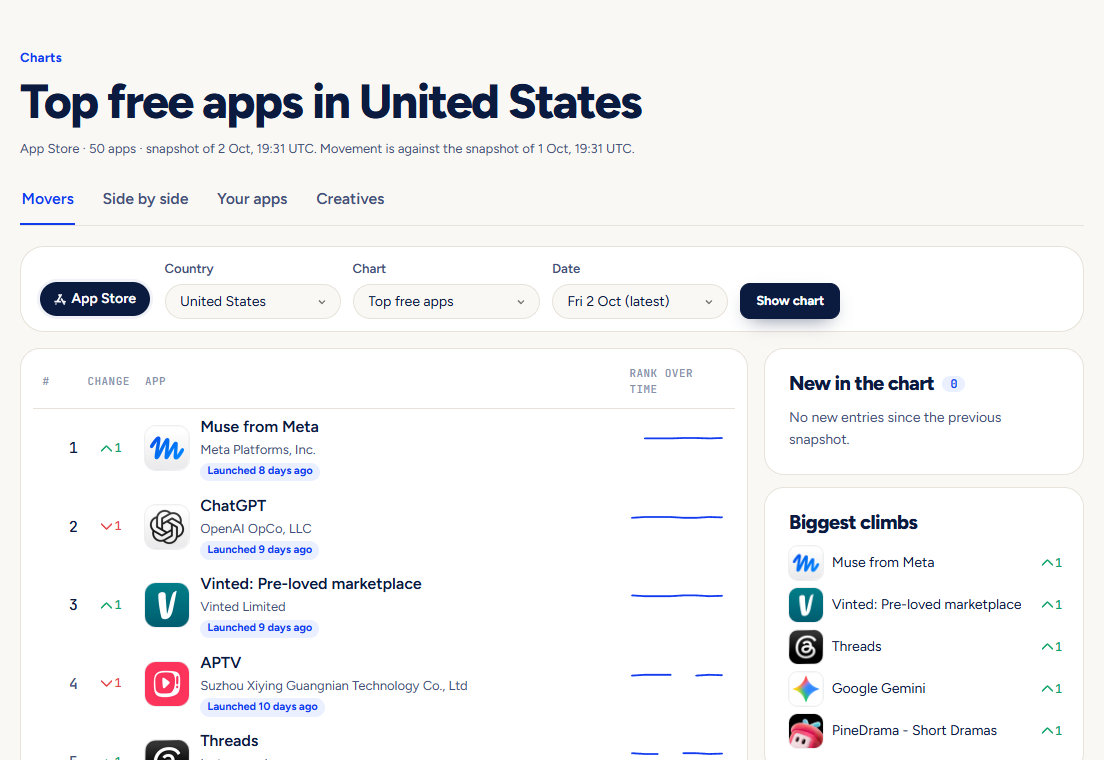
Pictures show a demo account. The names and numbers in them are examples, not live data.
Next guideGaps: find niches where new apps are winningA ranked list of niches by how well apps launched in the last 30 days did.